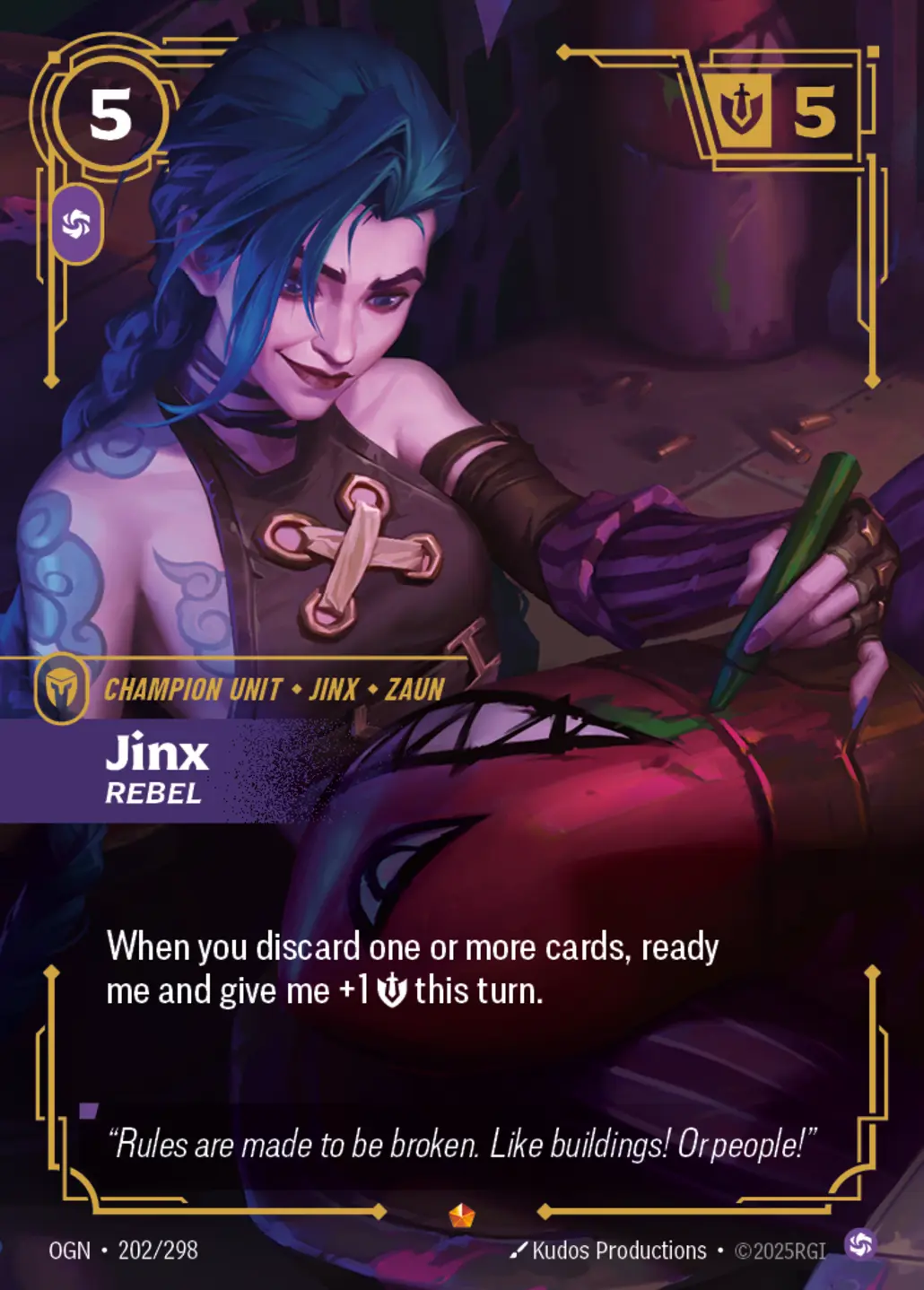
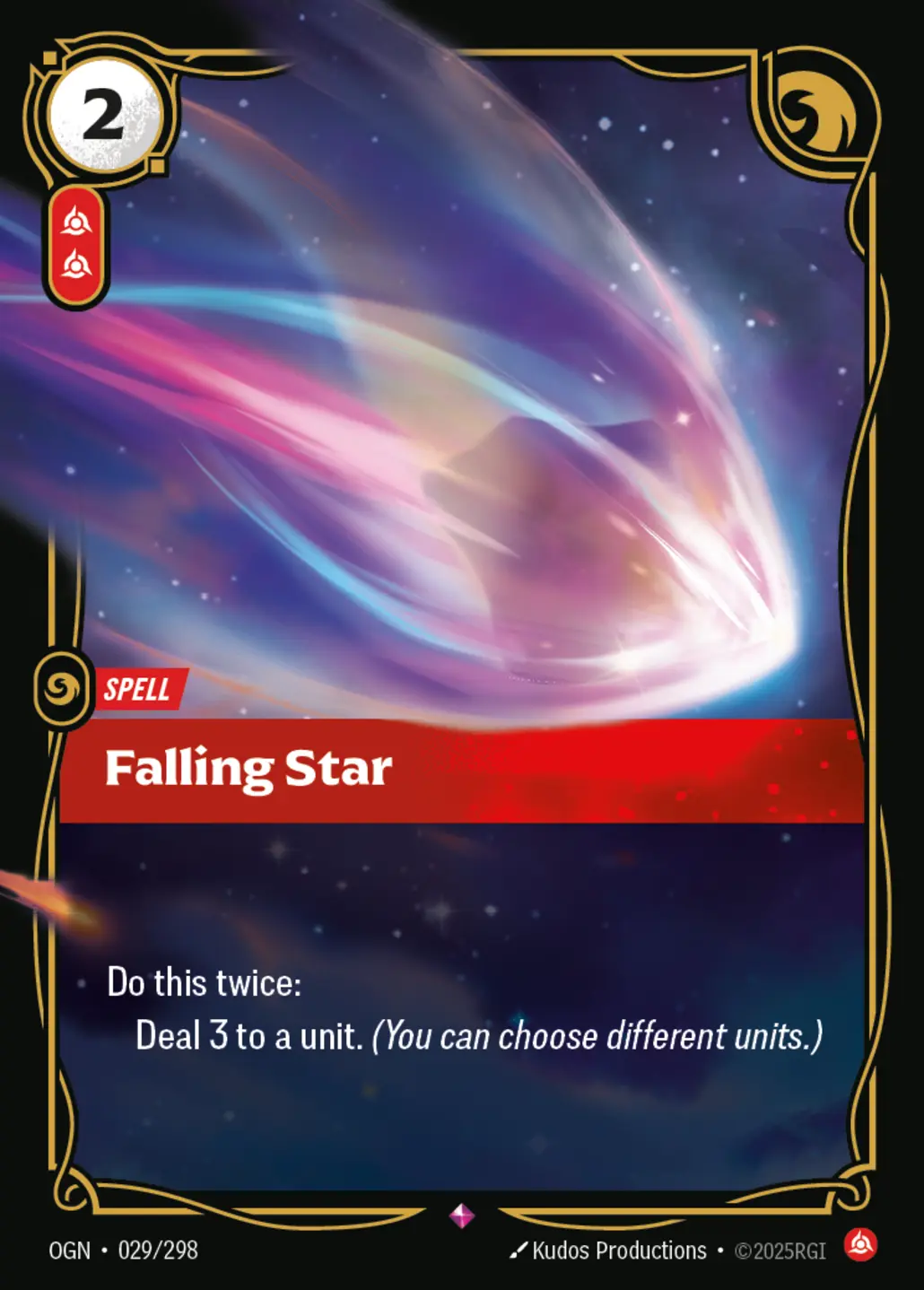

Abandon
- Rarity: Uncommon
- Set: Unleashed
Ready to sell? Upload your list or build it card by card and send us your Riftbound collection with quantity, language, condition, and foil details.
The sealed product shop is coming soon. For now, the site is focused on the Riftbound card library and selling portal.
Sealed Riftbound products will appear here once the shop section is ready to go live.
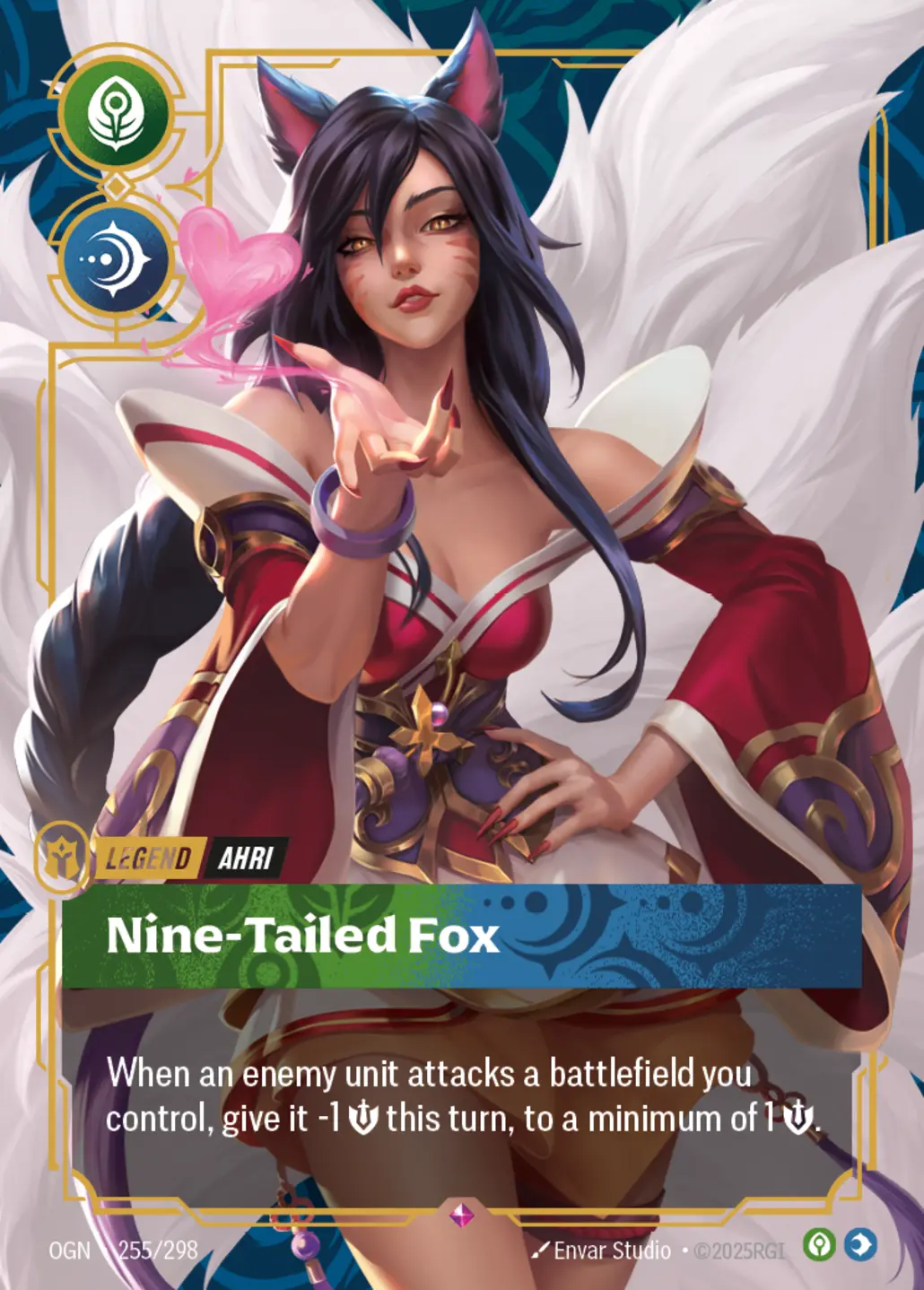
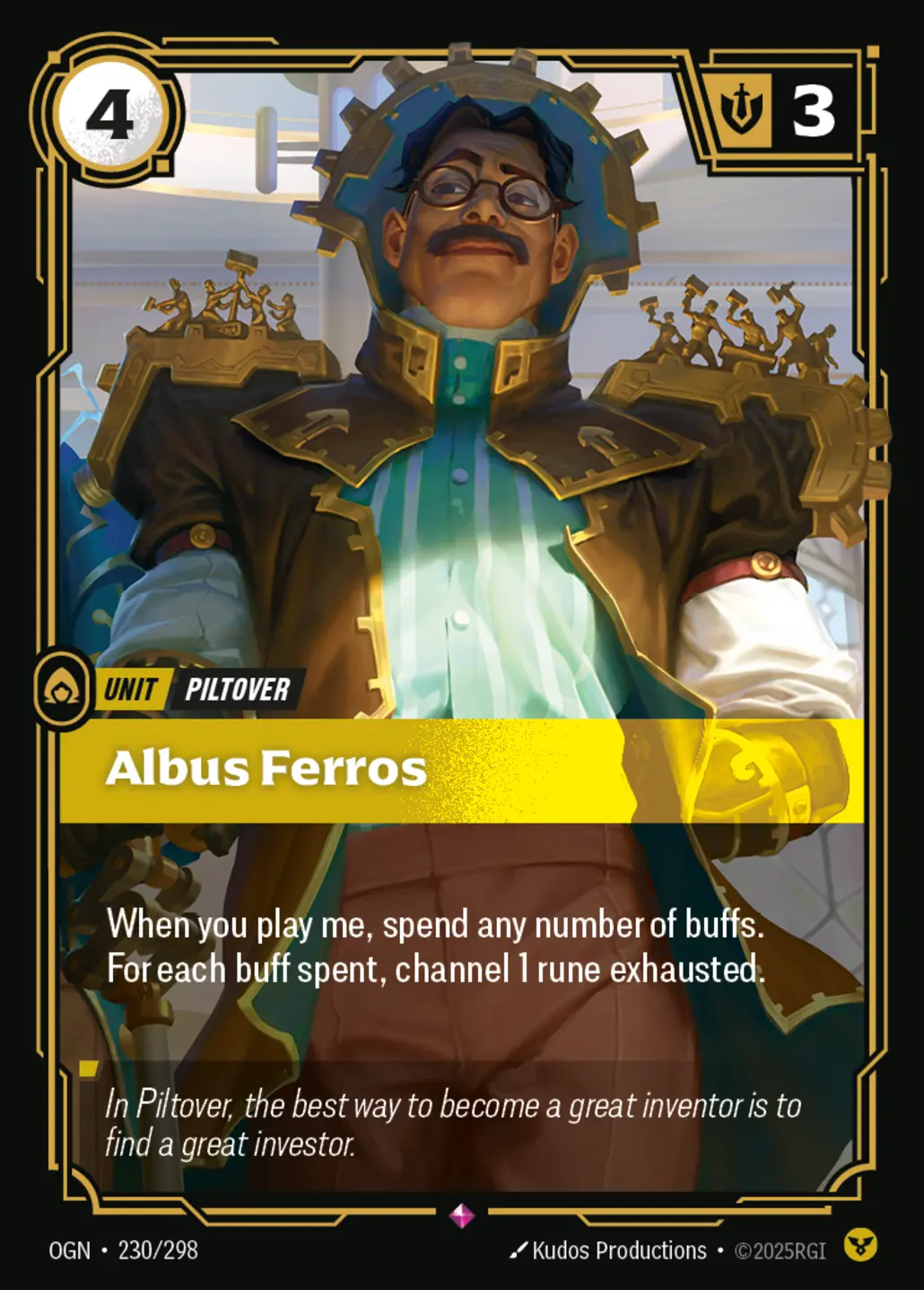
Each Riftbound card gets its own page with image, details, a foil-aware offer form, and room for future information and FAQs.

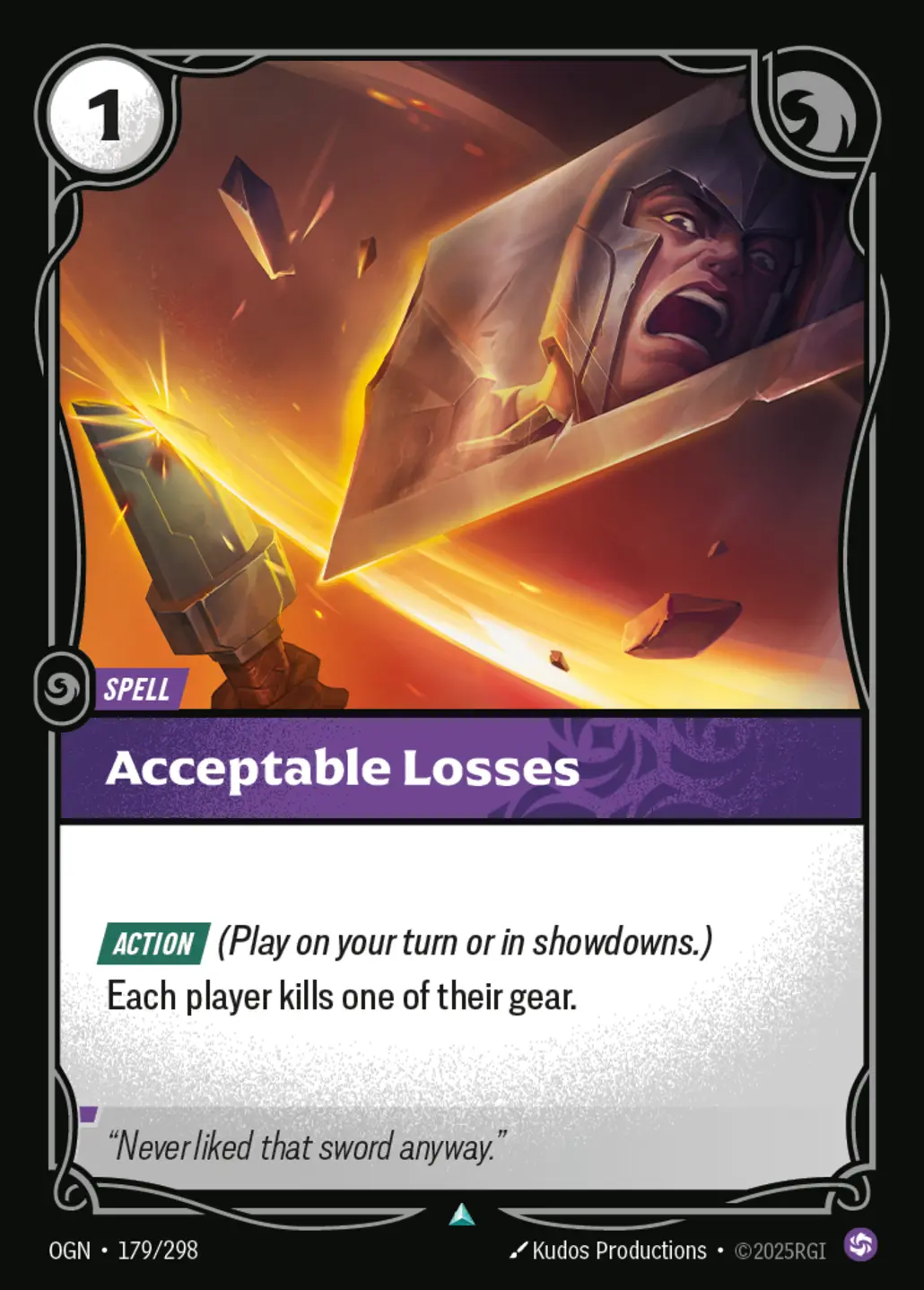
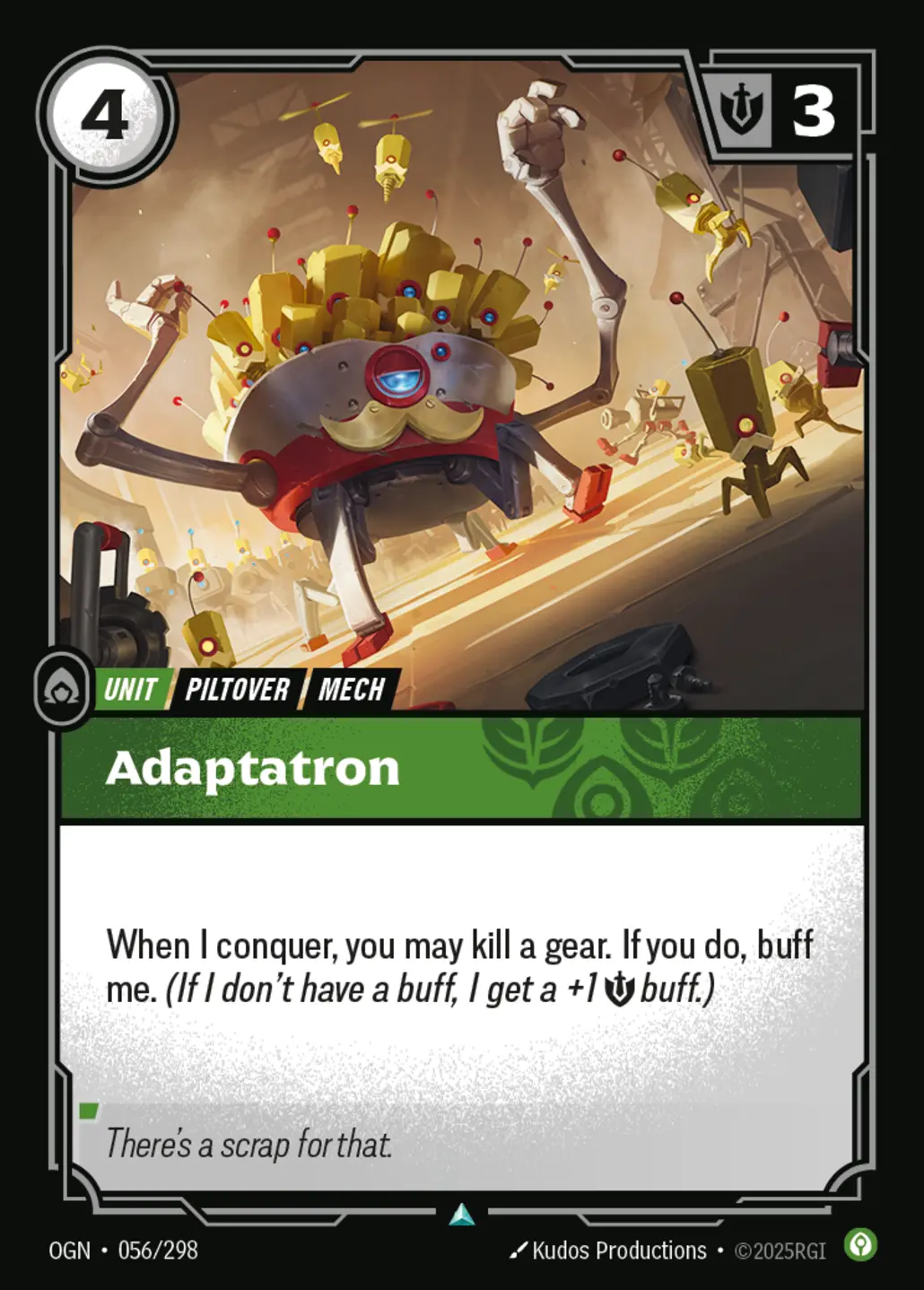

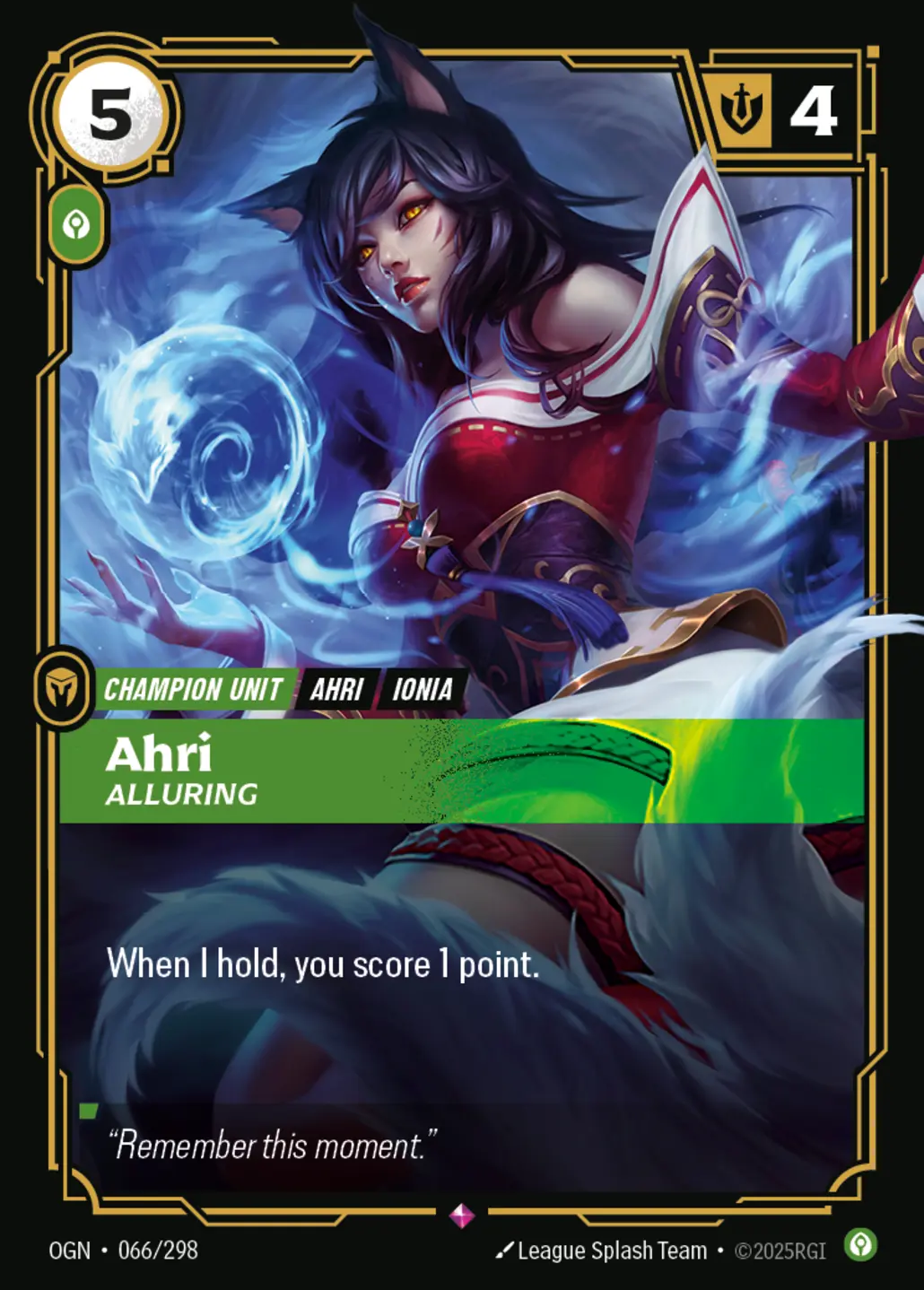
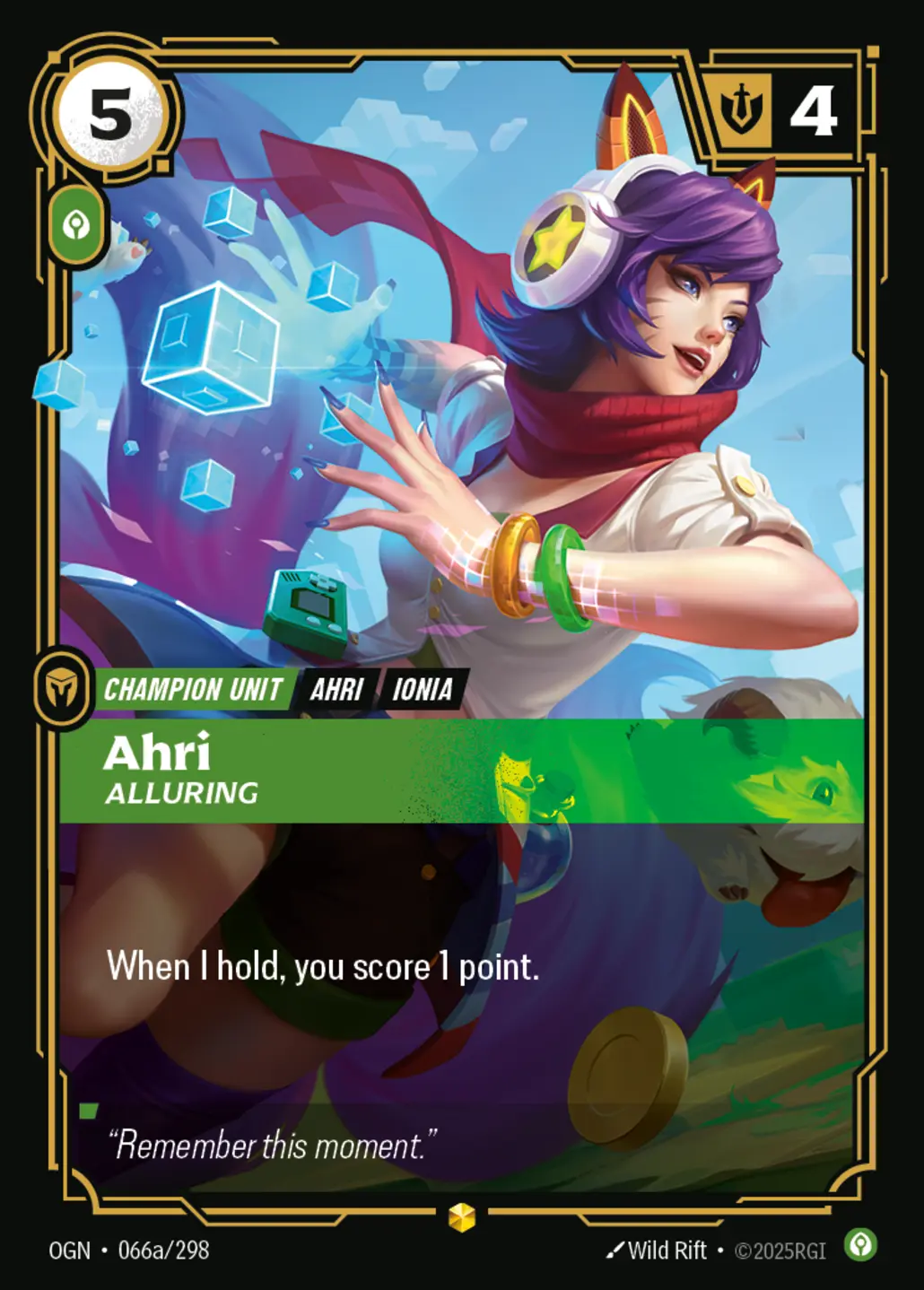
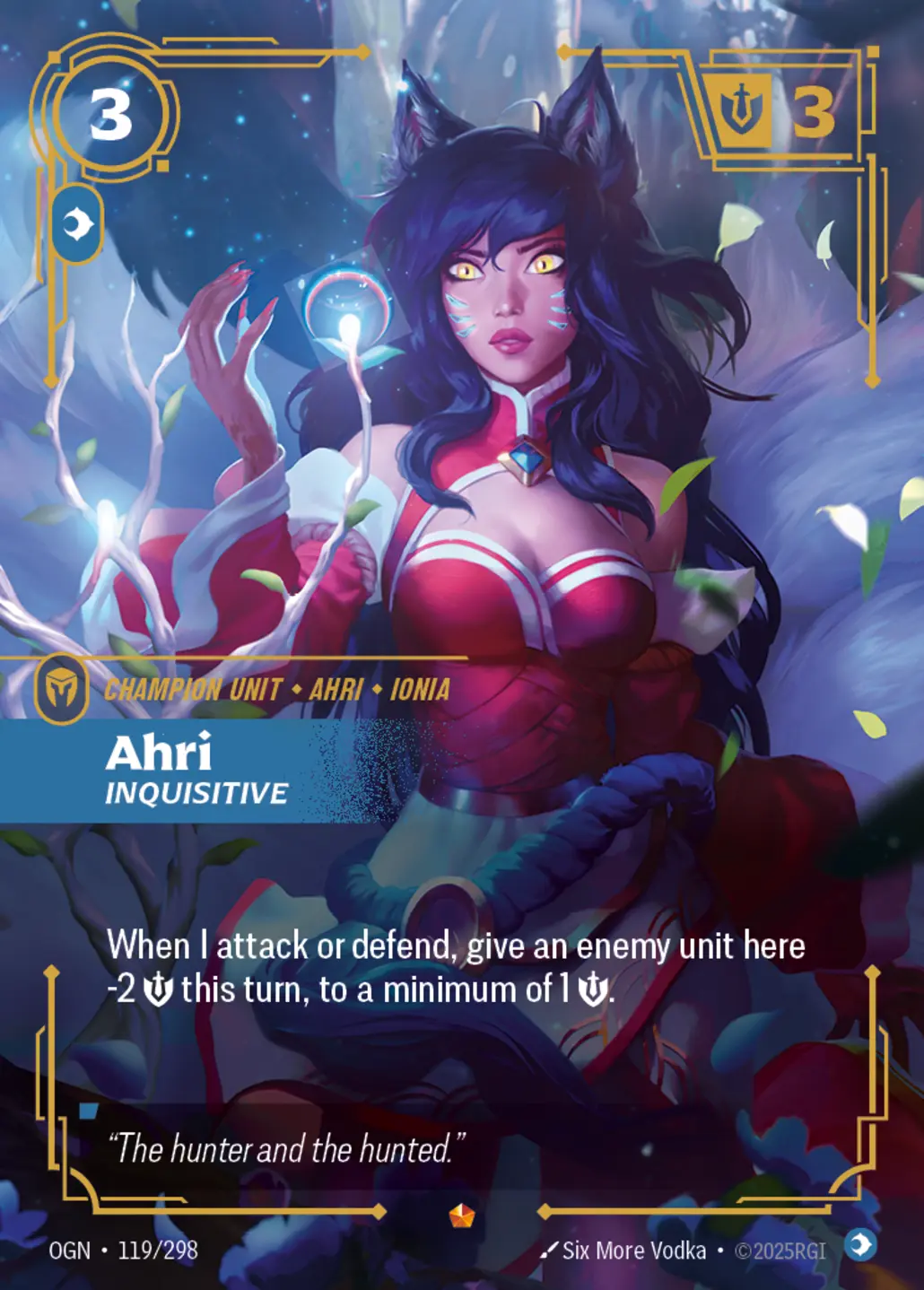

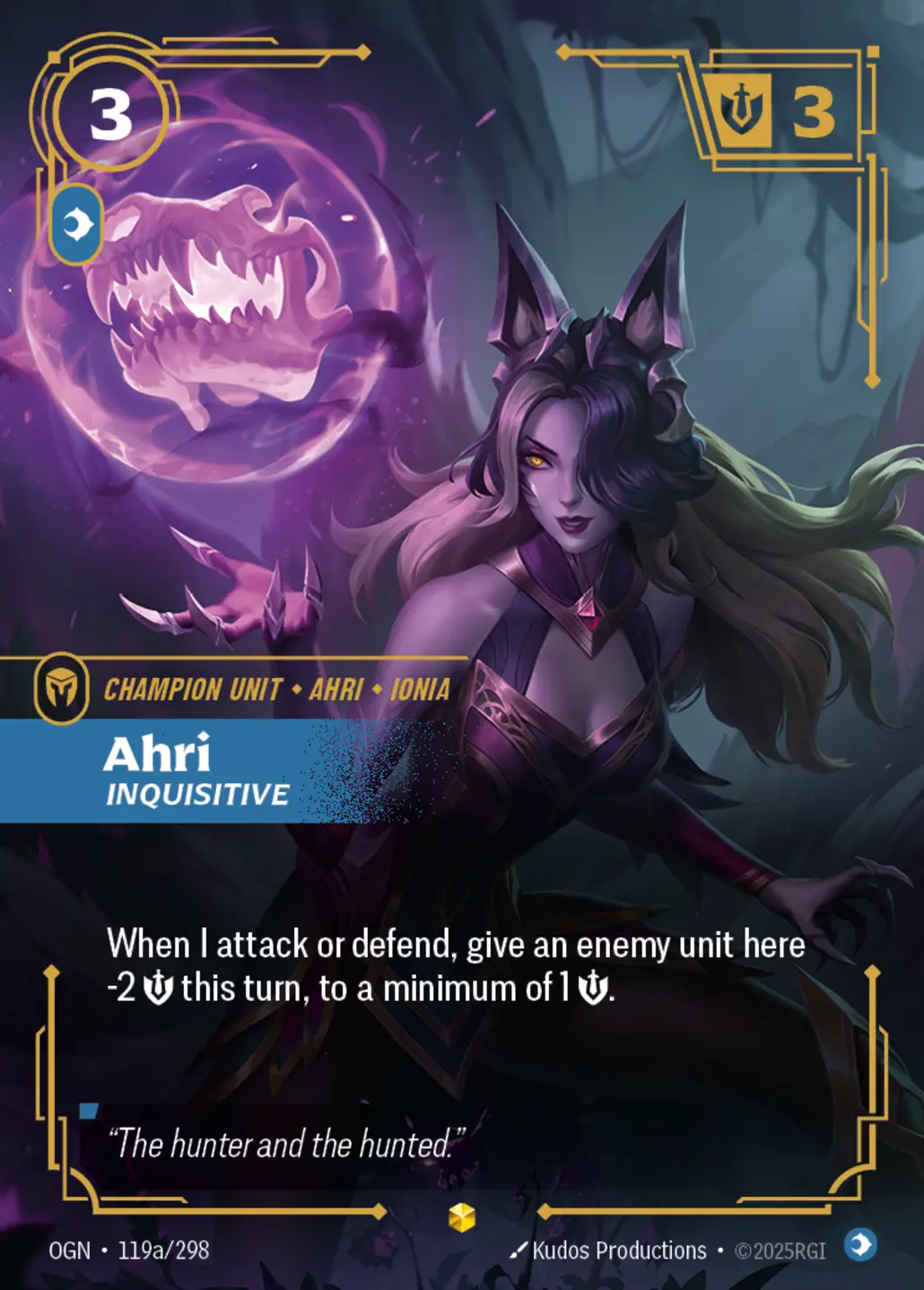



A simple process for sellers now, with room to grow into a fuller singles storefront later.
Sellers can go straight to the Selling Portal or use the Sell button on an individual card page.
Condition, language, quantity, and foil are included in the request so you can price more accurately.
When you are ready to sell singles too, the card pages already give you a natural place to grow into that flow.
Short answers for the most common seller questions.
Yes. The dropdown uses the bundled CSV or your managed card pages so sellers can only choose cards that exist in your imported data.
Soon. The WooCommerce storefront area is intentionally marked as coming soon until sealed products are ready to go live.
Yes. Foil Yes / No is available in the manual sell list and on every individual card offer box.
Yes. The card pages are structured to support buying now and can grow into singles selling pages later.